How to Integrate InsightBee with HubSpot
Connect InsightBee to your HubSpot CRM in just two simple steps and start enriching your contacts automatically.
Click "Install" on the App Listing
On the InsightBee app page, click the Install button and follow the prompts to connect it to your HubSpot account.
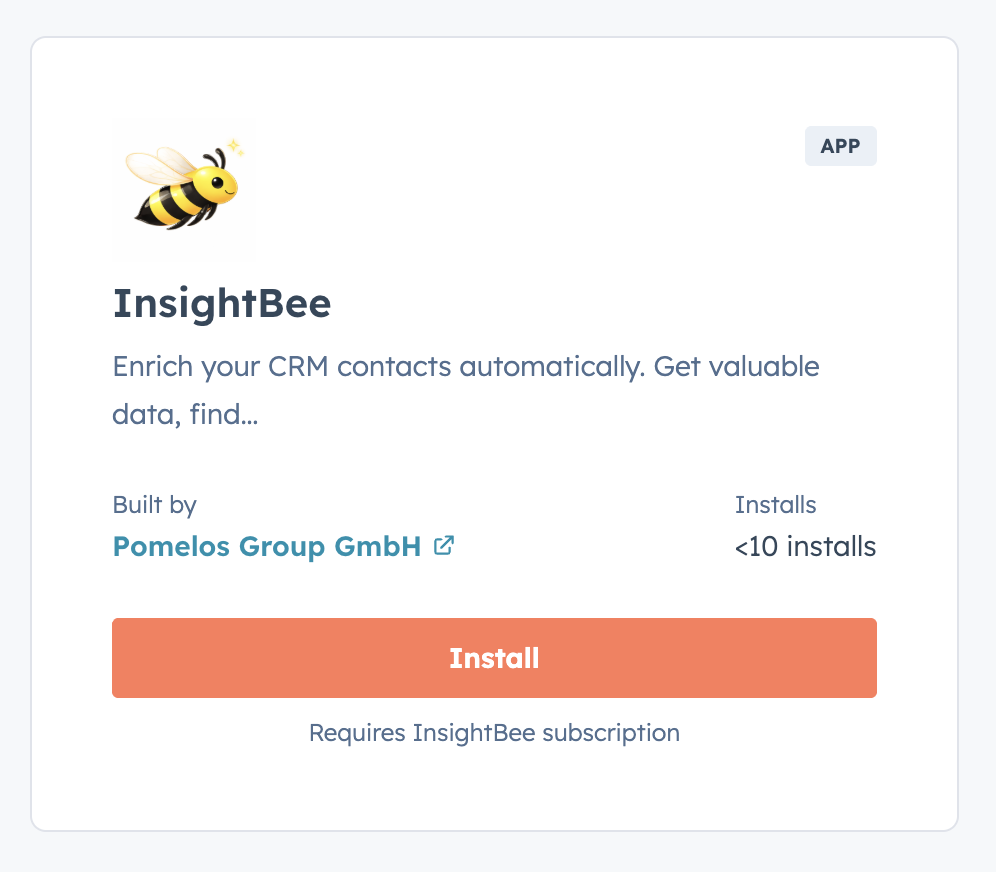
The InsightBee app listing in the HubSpot App Marketplace.
Accept the Required Permissions
After clicking Install, HubSpot will ask you to review and accept the permissions (scopes) that InsightBee needs to enrich your contacts. Review the requested access and click Connect app to proceed.
Schedule an Onboarding Meeting
Once the app is connected, schedule a short onboarding call with our team. We'll onboard you and configure the note processing for your CRM so InsightBee can start enriching your contacts right away.
Schedule a MeetingThat's it!
Once the onboarding call is complete, InsightBee will begin enriching your HubSpot contacts automatically. You'll get valuable data like company information, decision-maker connections, and even out-of-office detection — all without lifting a finger.